

Copying a Learning Event
Elements – Copying a Learning Event
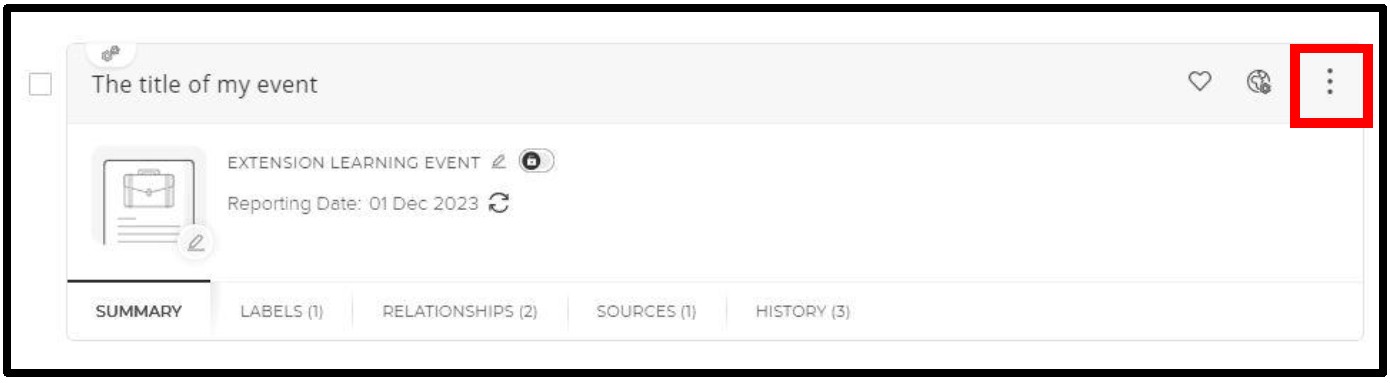
CSMs: Brad Joyce and Cheyenne Kleist- Click the 3 vertical dots on the record
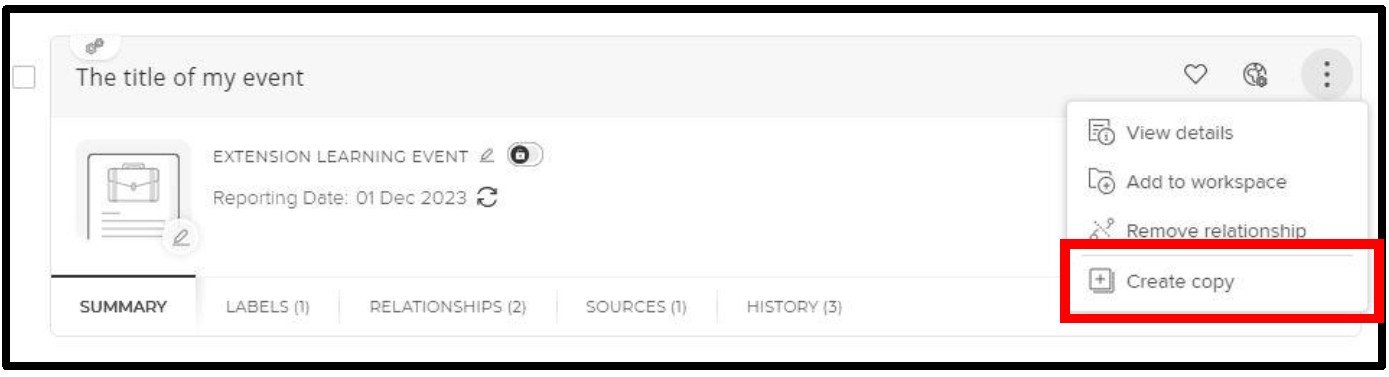
- Select ‘Create Copy’
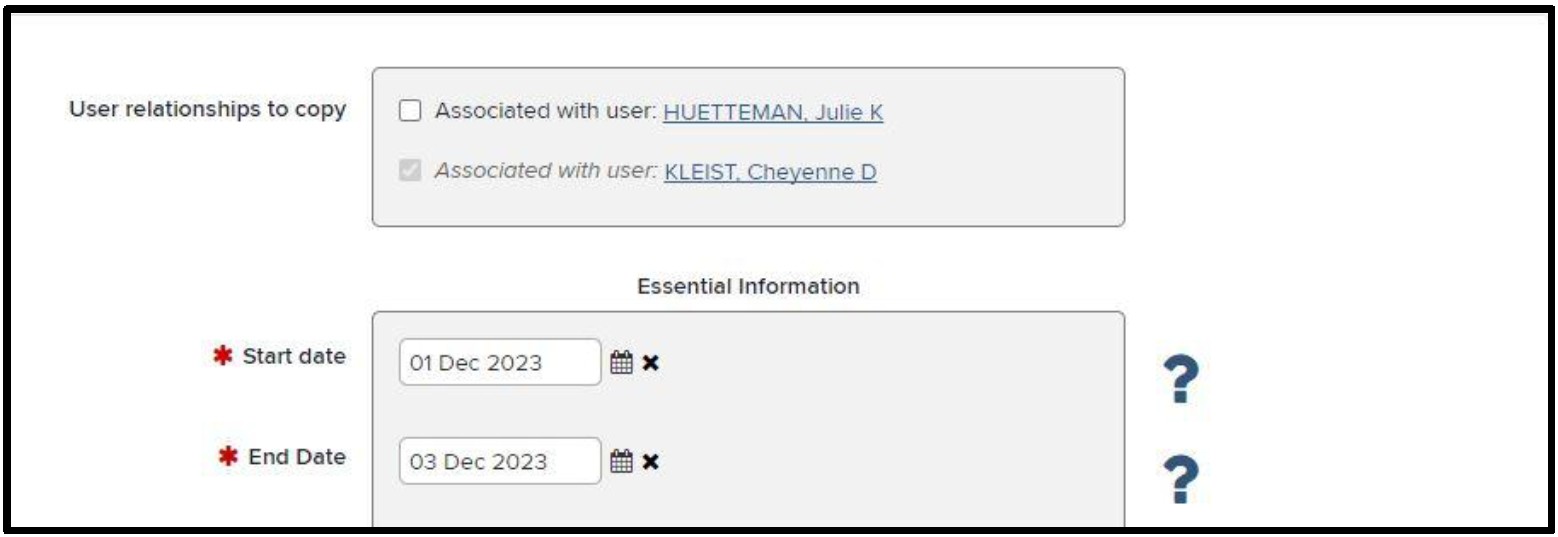
- Uncheck all users in the ‘User relationships to copy’
- Edit the record.
- Example: Change the start & end date and title
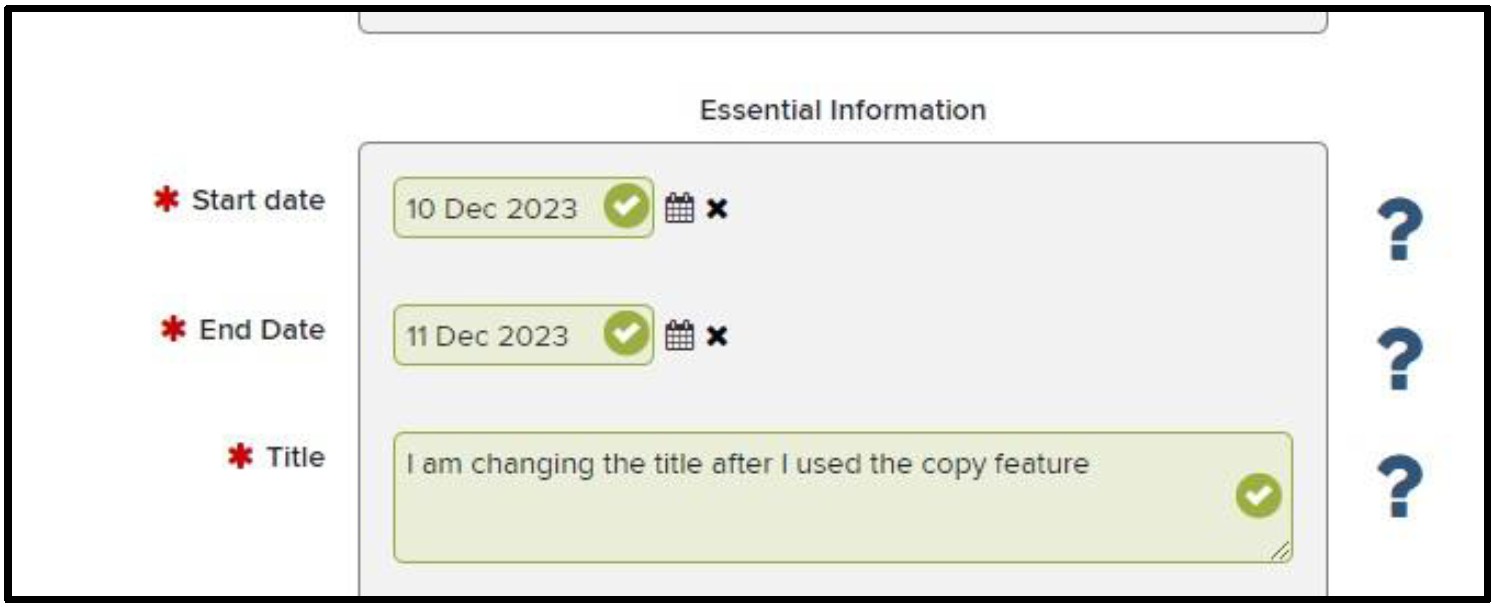
- Example: Change the start & end date and title
- Click Save
For help with Elements, please email COAelements@purdue.edu.