

Deleting a Learning Event
Elements: Deleting a Learning Event or Impact Statement
- Remove all other linked users on learning event or impact statement (if there aren’t other users linked, you can skip step 1)
- Click the relationships tab at the bottom of the learning event or impact statement
- Click the carrot to open of view of linked users
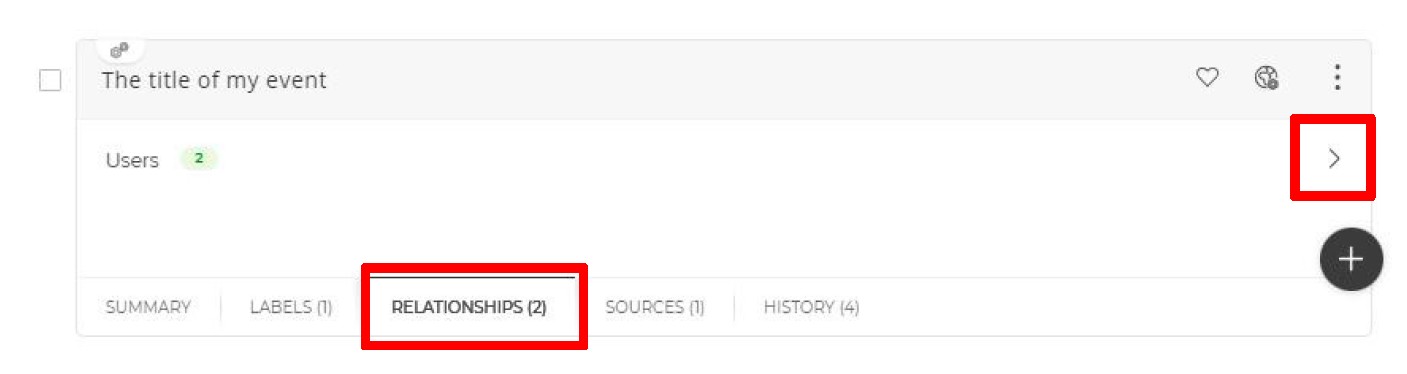
- Click the 3 vertical dots
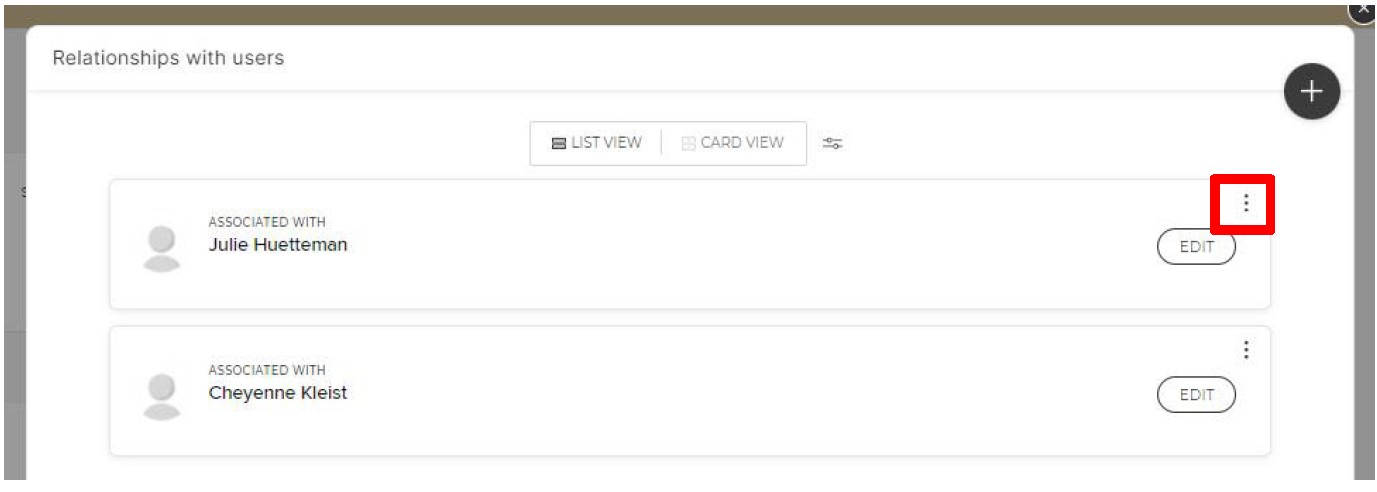
- Select ‘Delete relationship’
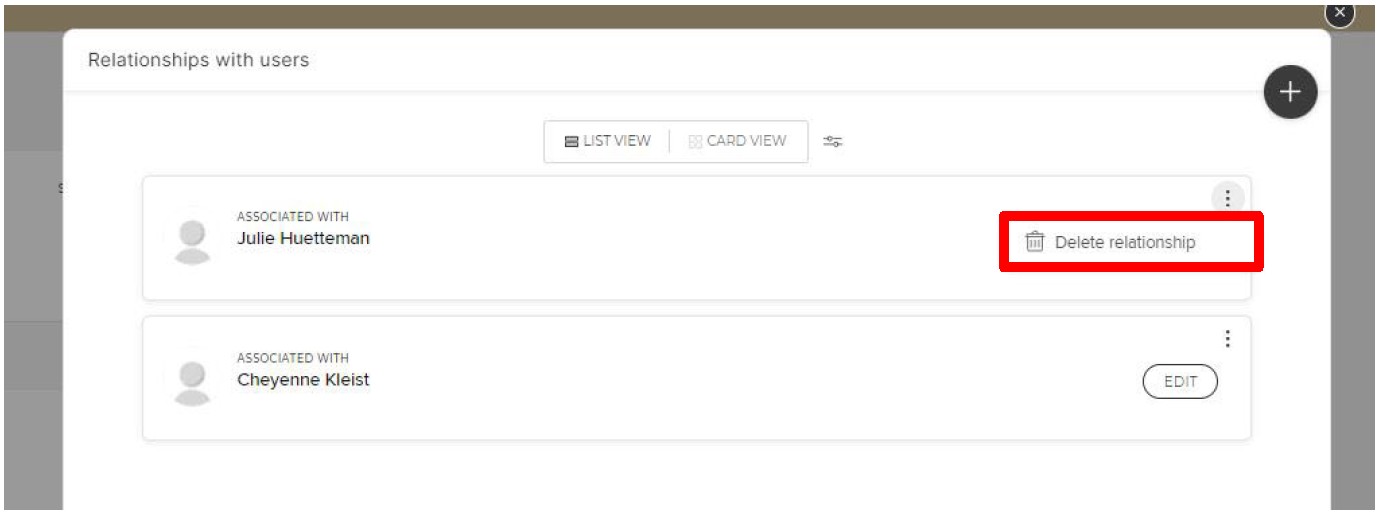
- Repeat for all users listed
- Click ‘Done’
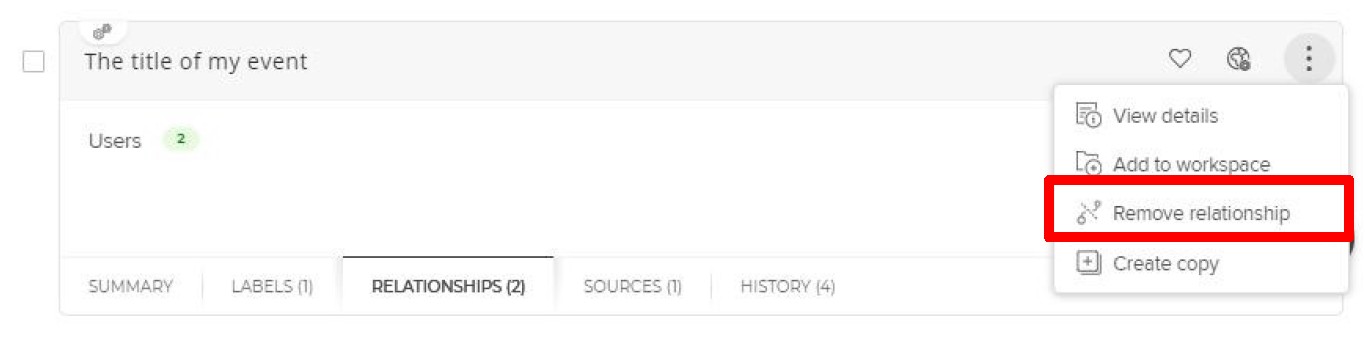
- Select the 3 vertical dots on the learning event or impact statement that you would like to delete
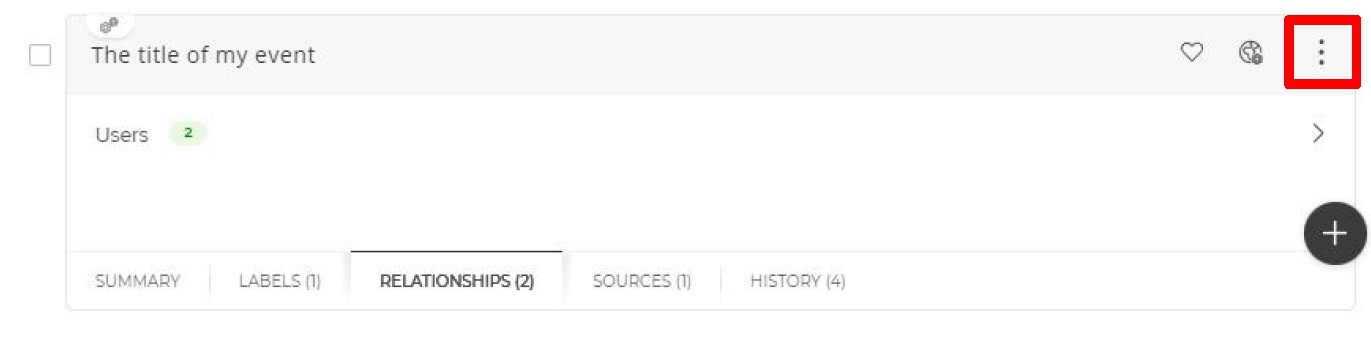
- Click remove relationship
For help with Elements, email COAelements@purdue.edu