

Exporting Individual and Group Records
Elements – Exporting Individual and Group Records
Instructions created by Cheyenne KleistExporting Individual Records
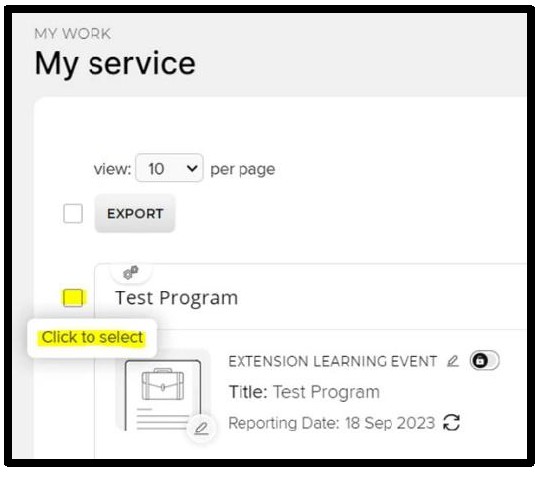
- Navigate to the list of your “Service” entries. Click to select the Learning Event (or Impact Statement)
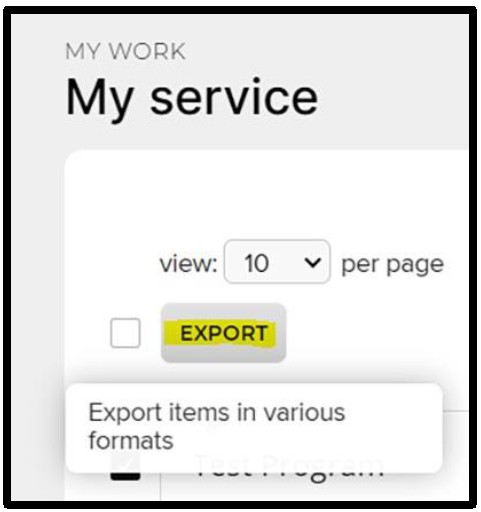
- Click “Export”
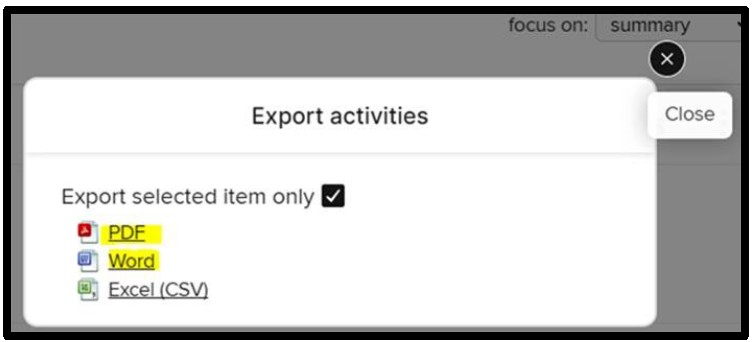
- Select PDF or Word (Excel works but the columns for the data fields are not in order as seen on the screen)
Exporting Group Records
- Navigate to the list of your “Service” entries
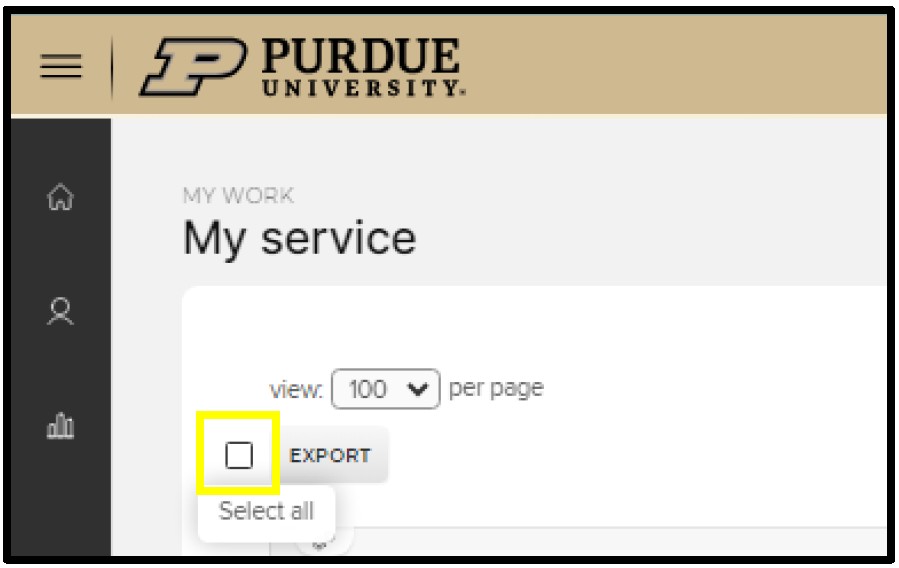
- Change the “view” to get more entries per page (Elements only pulls from that “page”)
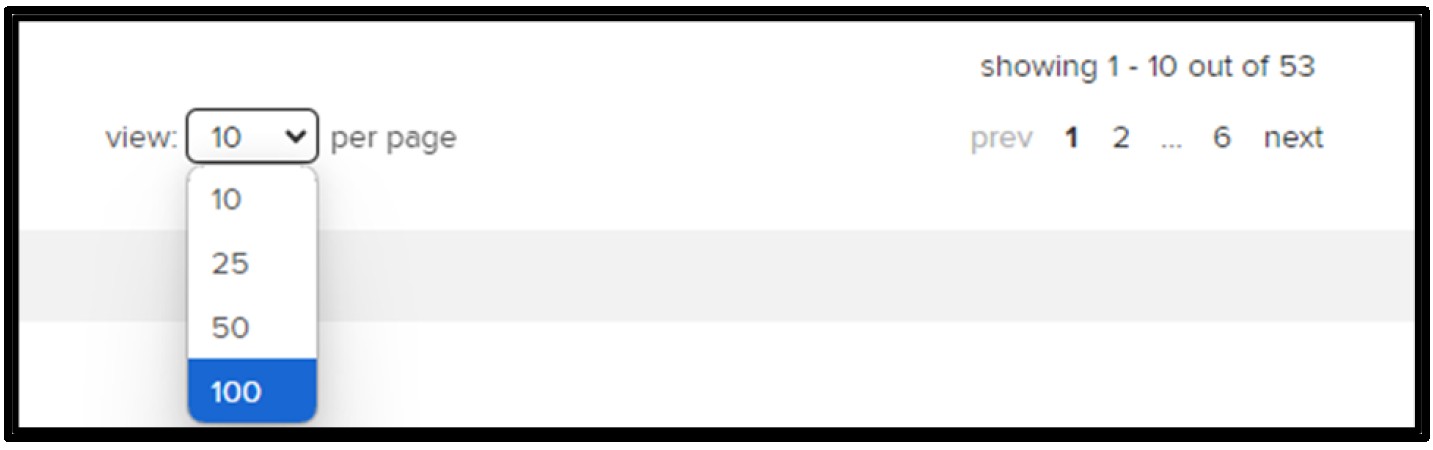
- Click box next to “Export” to select all entries for that page
- If you have more than 100 entries, you will need to export each page individually.
- If you have more than 100 entries, you will need to export each page individually.
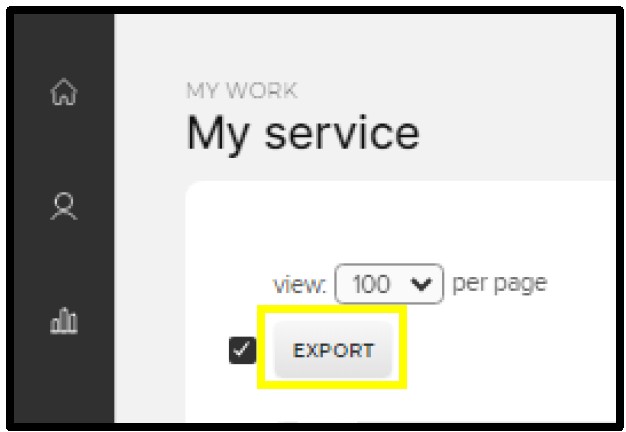
- Click “Export”
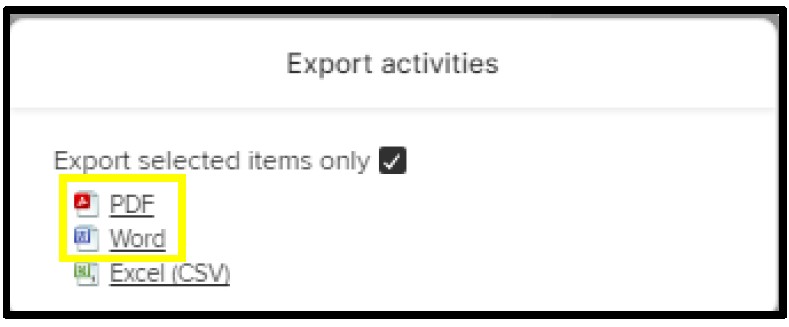
- Select PDF or Word (Excel works but the columns for the data fields are not in order as seen on the screen)
For help with Elements, please email COAelements@purdue.edu.