NRS Directions for Multi-State Hatch Project Initiations
Returning users: Log in to NIFA’s reporting portal (nrs.nifa.usda.gov) by clicking Login.gov use your Purdue email address and the password you created when you completed registration. If you have multiple Purdue emails email Julie Estrada and she can confirm the email associated with your Hatch project.
First time users: If this is your first time using NRS, click Need an account, continue to Login.gov. At the Login.gov page, select Create an account and follow the steps. You must use your official Purdue email, no alias.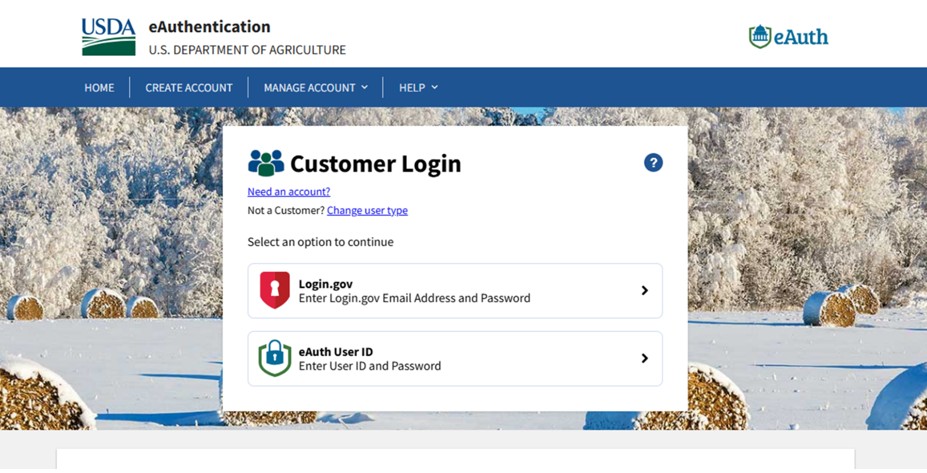
Please Note: If you receive this message after registering give the system a couple minutes and then refresh your screen and try logging in again. If you continue to have issue contact Julie Estrada at 494-6047 or estradaja@purdue.edu to help troubleshoot.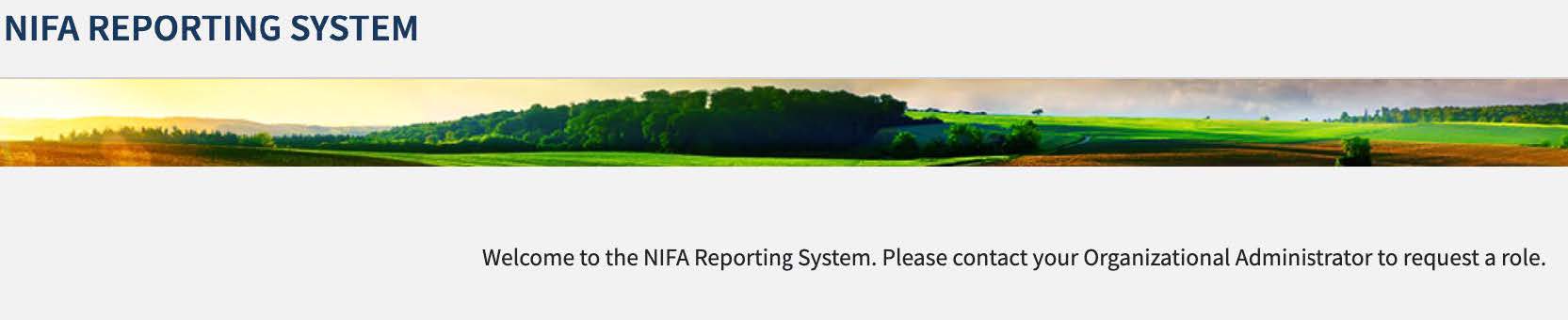
After you log into NRS you will be on the Dashboard page. Under Projects & Programs, click View.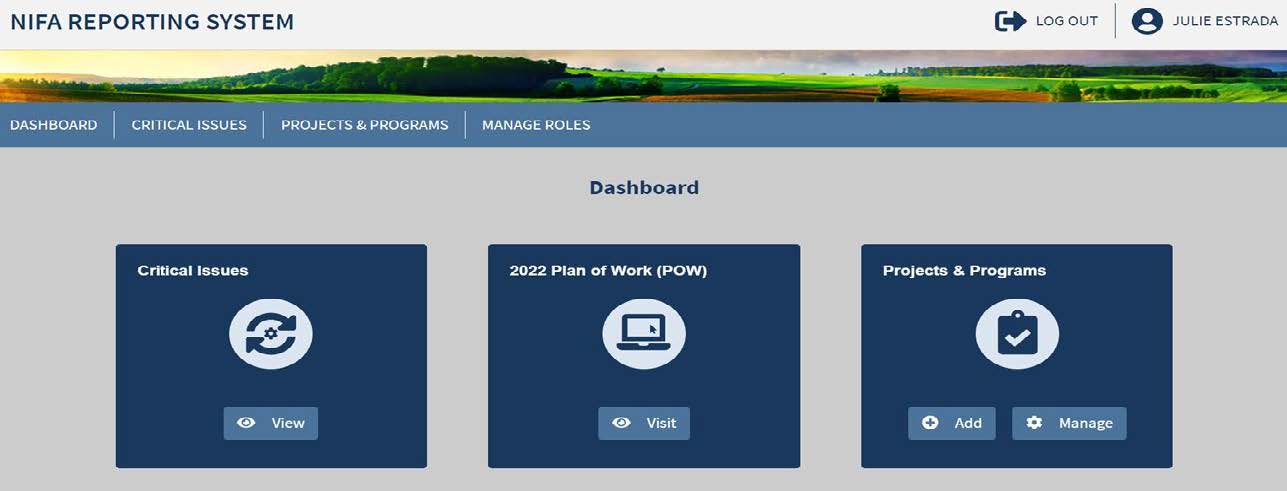
Search for your project initiation by typing your name in the Project Director box. When your project populates, click on the title to open.
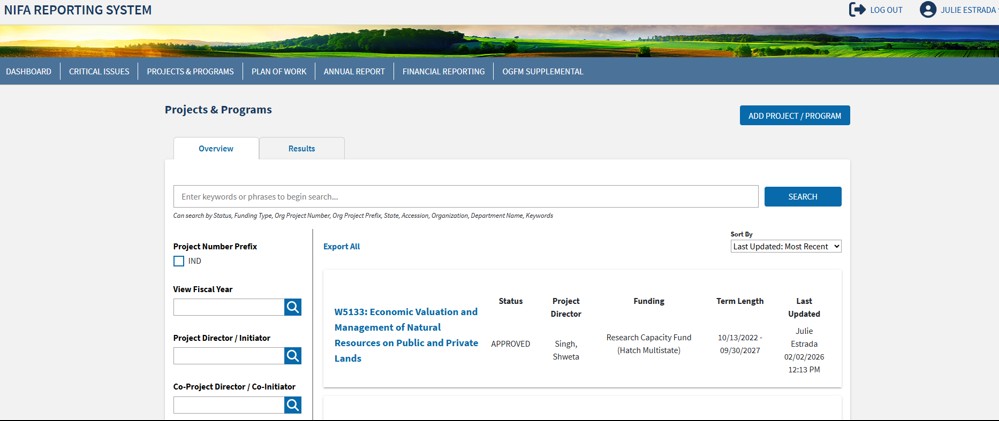
When the project opens click Manage Project on the right hand side of the screen, then click Edit Project Details on the pop up screen.

When you open the project the first box will ask you to select a critical issue. You must select one Primary Critical Issue which best serves as the “umbrella” under which this project would fall.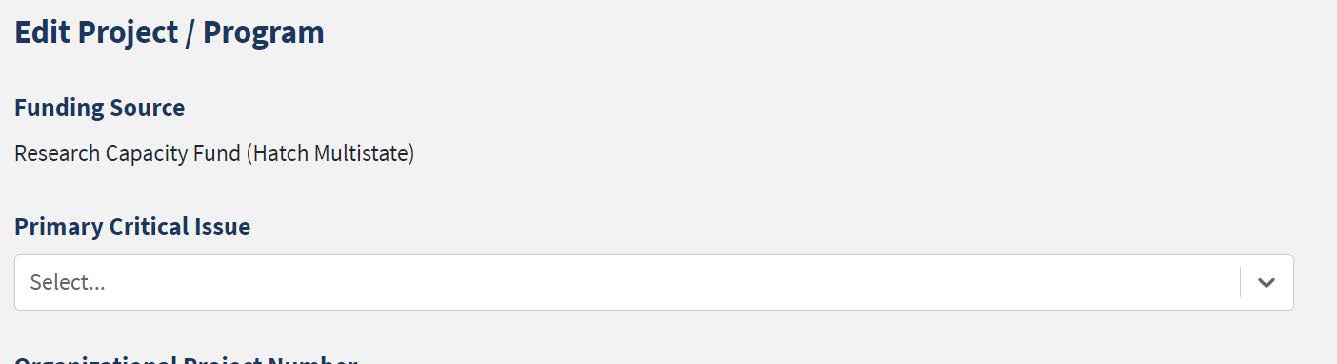
The Organization Project Number will be completed by ARGE.
The Title of the multistate project will be listed. You may change the title name, but it is not necessary.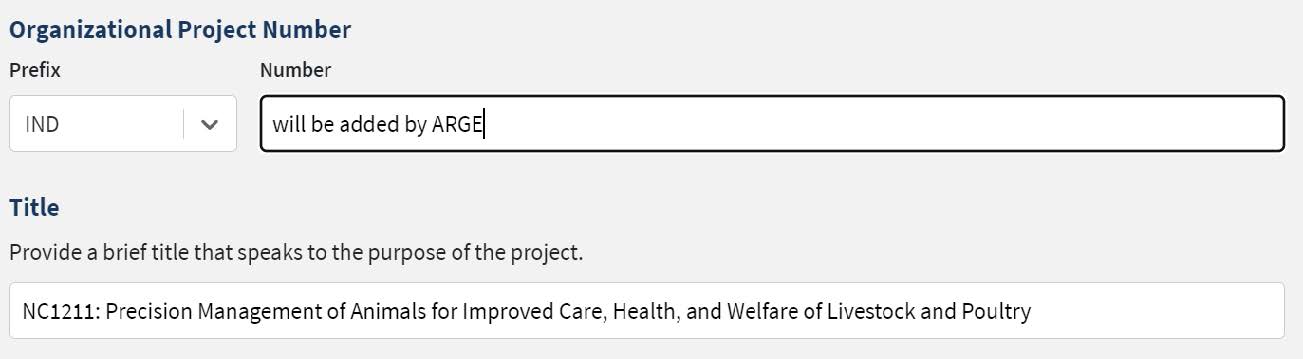
The Start and End Dates will be listed based on the Multistate Project Outline.
**Do not change these dates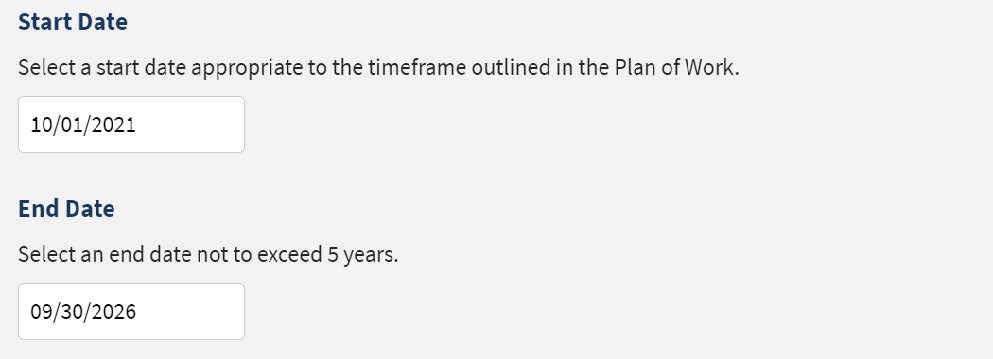
The Project Director and Performing Department will be populated.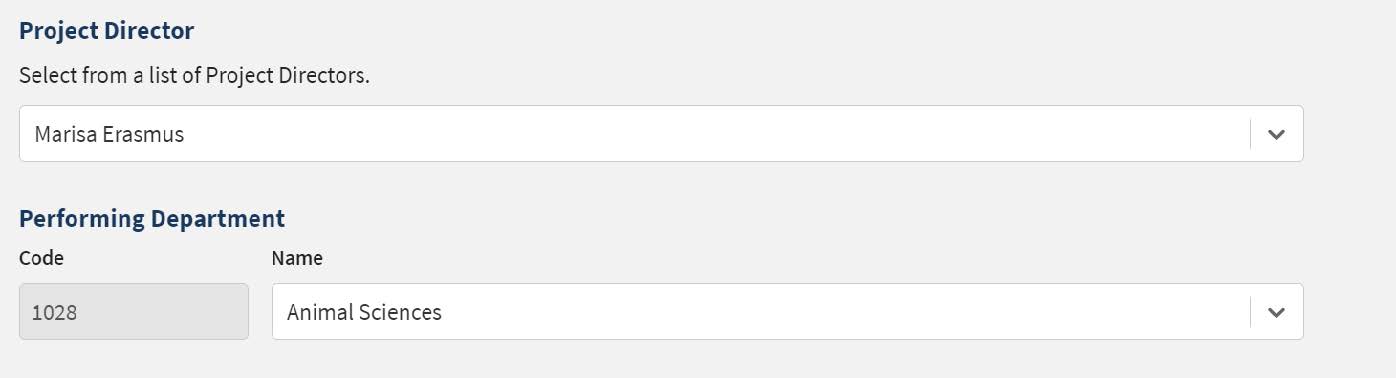
Non-Technical Summary In lay terms, briefly describe:
- The issue and why it is important
- Your goal and objectives
- The target audience and how they will benefit
- How your activities lead to the outcomes described in the goal statement or objectives
** 8,000-character limit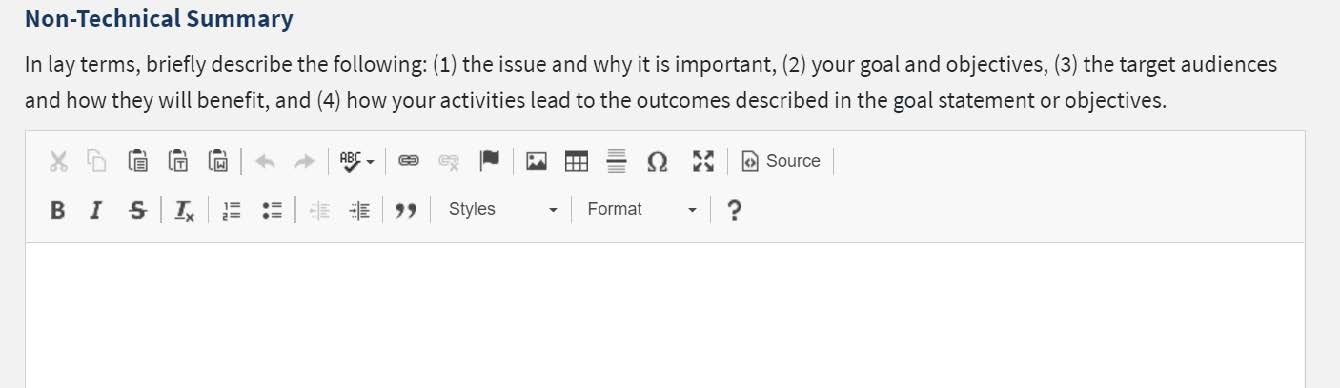
Methodology
Describe the ways in which the project will be conducted, with emphasis on the general scientific methods and any unique aspects or significant departures from usual methods.
**8,000-character limit 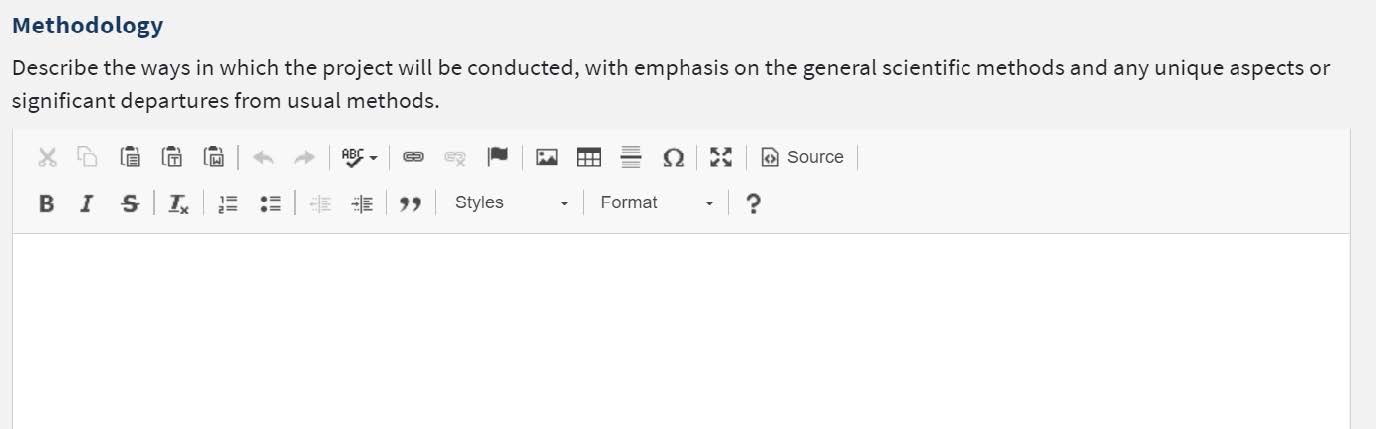
Integrated Activities
Integrated activities are jointly planned, funded, and interwoven between research and extension to solve problems (NIFA Policy Guide, p. 205). See the system guide for acceptable activities.
Research Effort Categories
- Basic Research – has a primary goal of gaining fuller knowledge or understanding of a subject.
- Applied Research – has a primary goal of the practical application (i.e., “use”) of already gained or established knowledge to meet a recognized need or help solve a problem.
- Developmental Research – is research that uses findings to develop (e.g., produce, create, etc., (useful materials, devices, systems, or methods.
**Must total 100%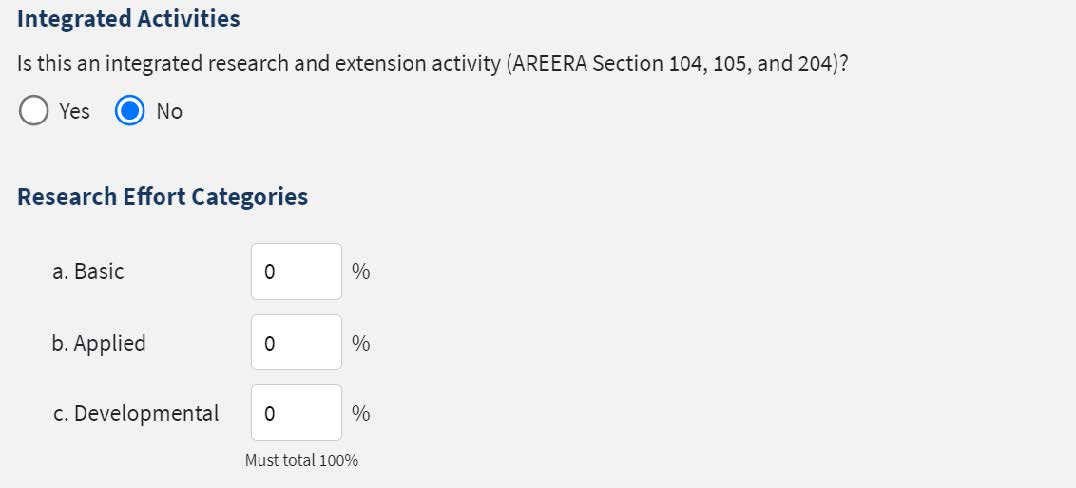
Animal Health Percentage
Enter the percentage of animal health research for this project or “0” for none.
Multistate Activities
Provide a brief description of what makes this a multistate activity.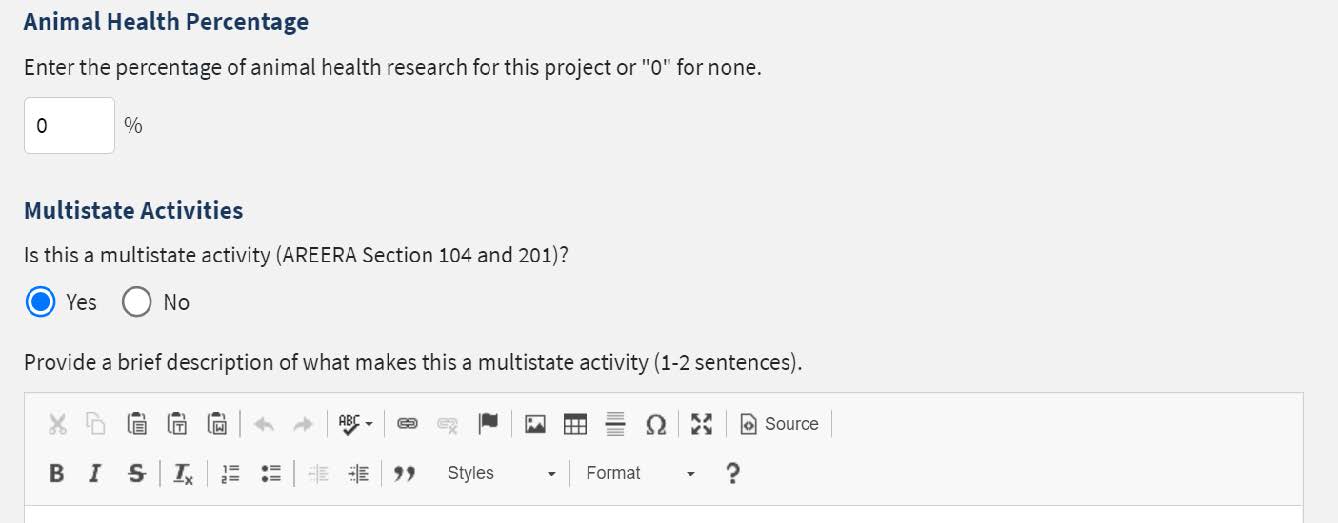
Classifications
The classifications will be keyed in based off the Appendix E that was created in NIMSS. You may change/adjust these if needed.
Assurances
If you select yes to either of these, you must email an electronic copy of your IRB/PACUC approval form with the approval date and assurance number to Julie Estrada (estradaja@purdue.edu).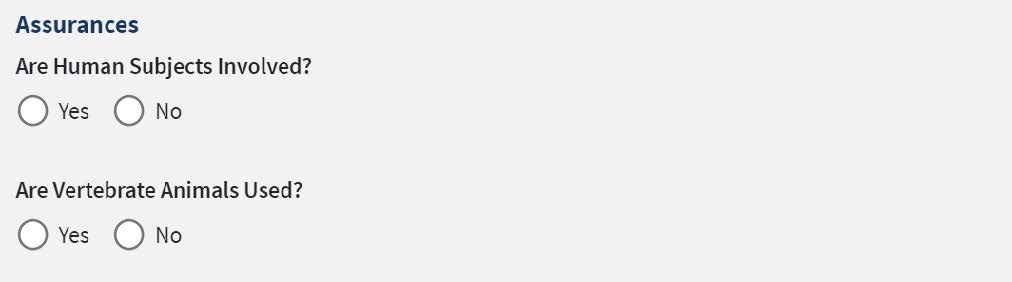
Once completed click Submit for Organization Review. The project initiation form will then be reviewed by ARGE and submitted to NIFA for final approval.