Searching for a Project in NIMSS Using Keywords
Go to the NIMSS website: nimss.org
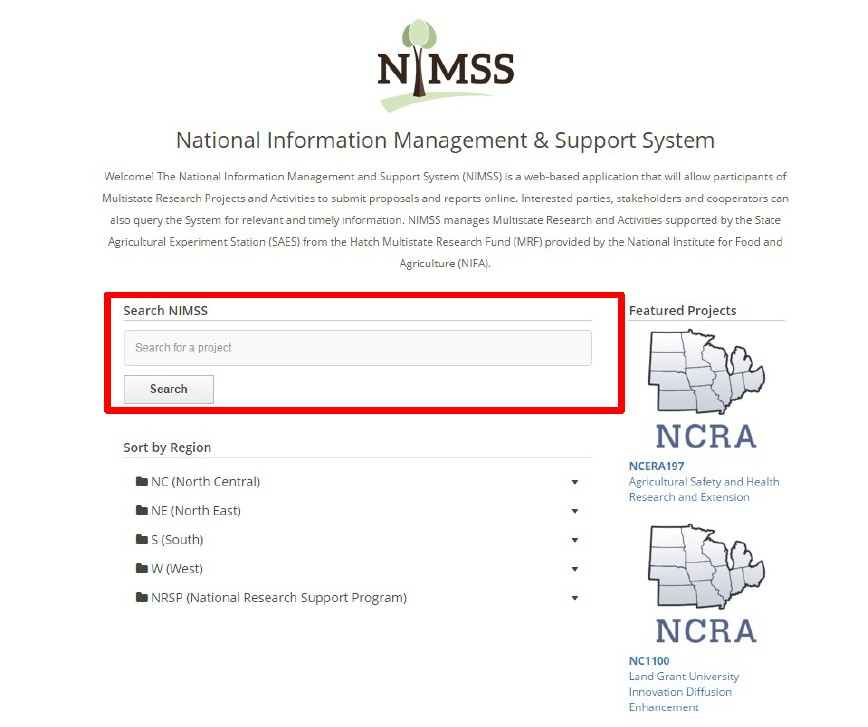
Type any keyword in the box under Search NIMSS and then click Search
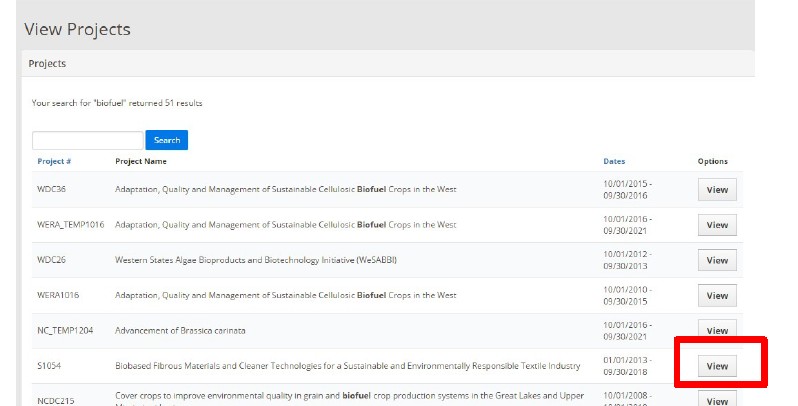
I searched using the keyword “Biofuel” and the system came back with 51 results.
Only projects that start with NC, NE, S or W immediately followed by a number qualify as Hatch. Projects that have NC, NE, S or W with _temp followed by a number qualify as well (example NC_temp1204 qualifies).
Click on View next to any project that you would like to learn more about.
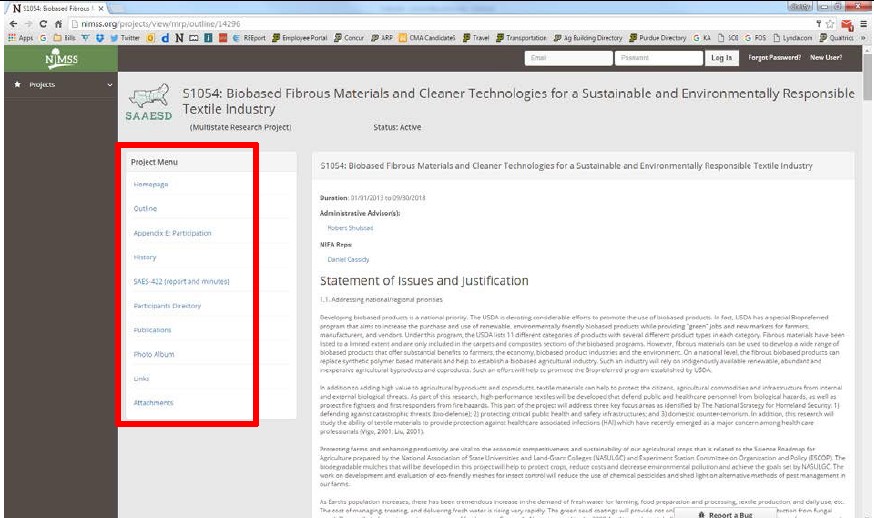
Clicking view on a project will take you to the project outline. There is also a Project Menu on the left with sections to learn more about the project.
If you find a project you are interested in joining, please email your department head and CC Julie Estrada (estradaja@purdue.edu) a request to join.
Once your request is approved, Julie Estrada will send you instructions on how to complete the Appendix E in NIMSS to officially join the project.